
How To MoVe
MoVe was made to keep things simple from the start. The app helps you find a scooter nearby, unlock it in seconds, and start your ride without a bunch of extra steps.
Download The App
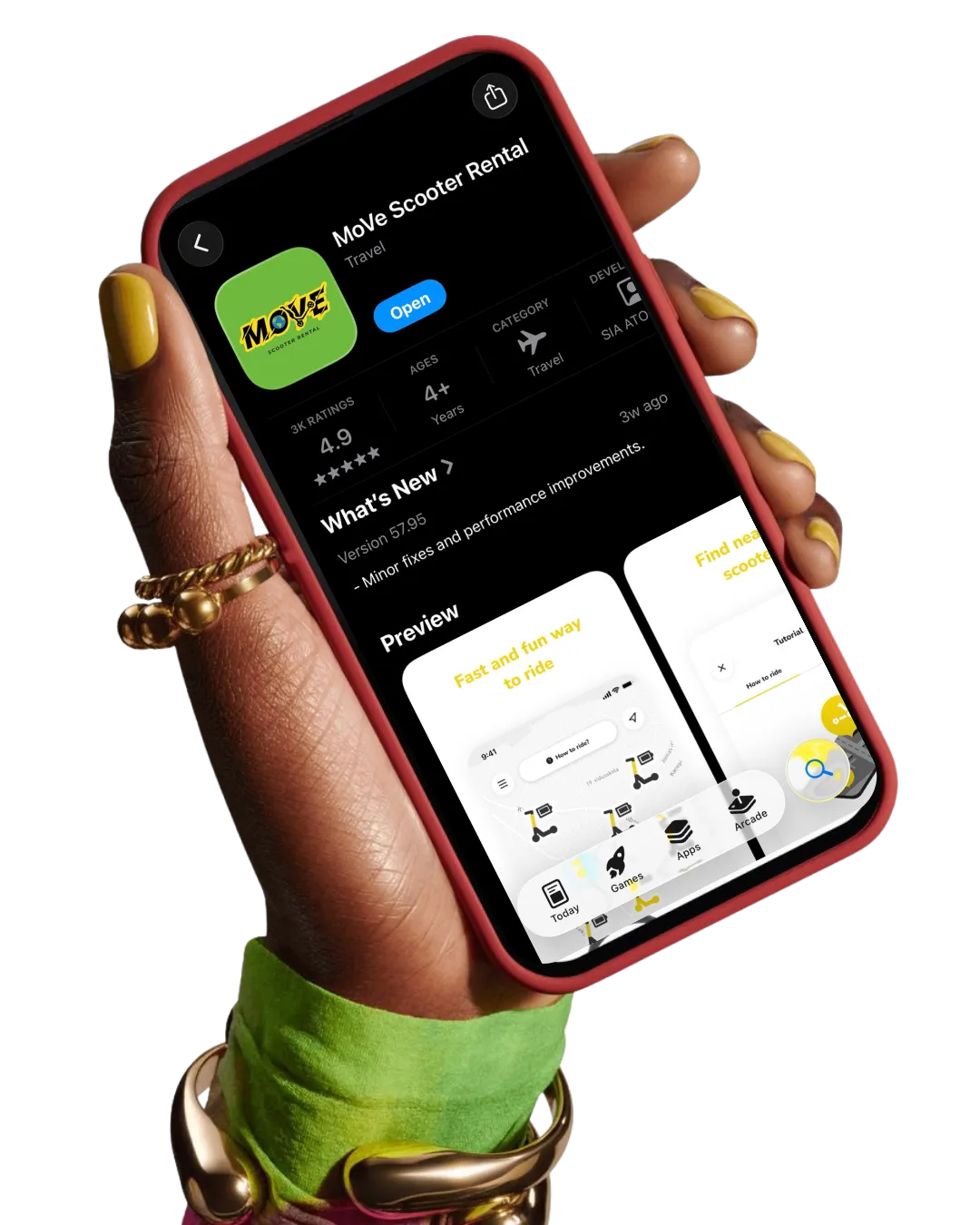
Download the MoVe app from the Apple Store or Google Play Store. This is where you can locate scooters nearby, unlock rides, manage payments and track your rides


Download The App
Download the MoVe app from the Apple Store or Google Play Store. This is where you can locate scooters nearby, unlock rides, manage payments and track your rides
Scan to unlock
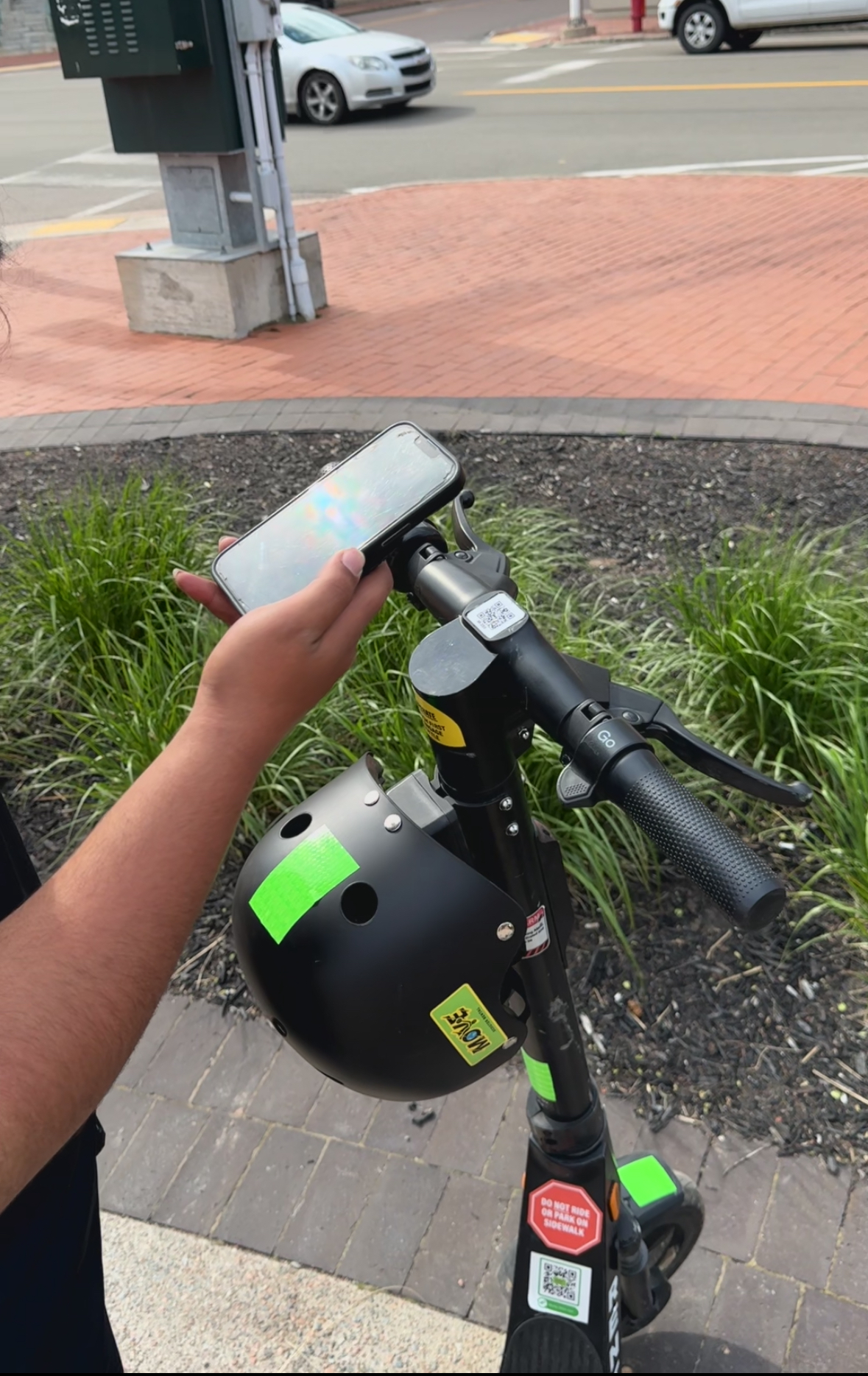
Open the app, scan the QR code on the scooter, and wait for it to unlock. If your wallet needs funds, the app will prompt you before you ride.
Scan to unlock
Open the app, scan the QR code on the scooter, and wait for it to unlock. If your wallet needs funds, the app will prompt you before you ride.
Get MoVing
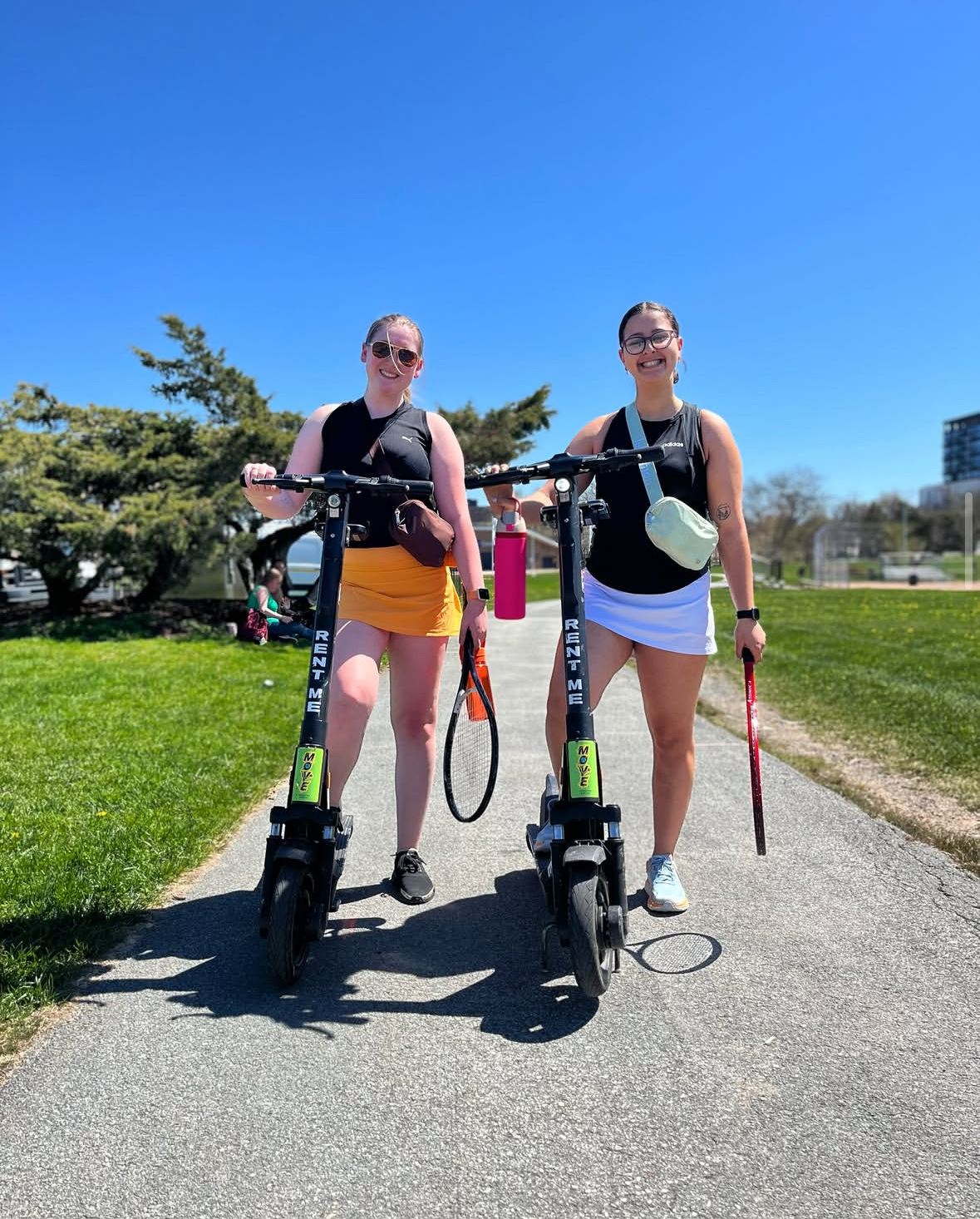
Release the kickstand, step on, push off, and once you’re moving, use the throttle to keep going. Ride in bike lanes or on the shoulder where permitted. No sidewalk riding.
Get MoVing
Release the kickstand, step on, push off, and once you’re moving, use the throttle to keep going. Ride in bike lanes or on the shoulder where permitted. No sidewalk riding.
Park and end your trip
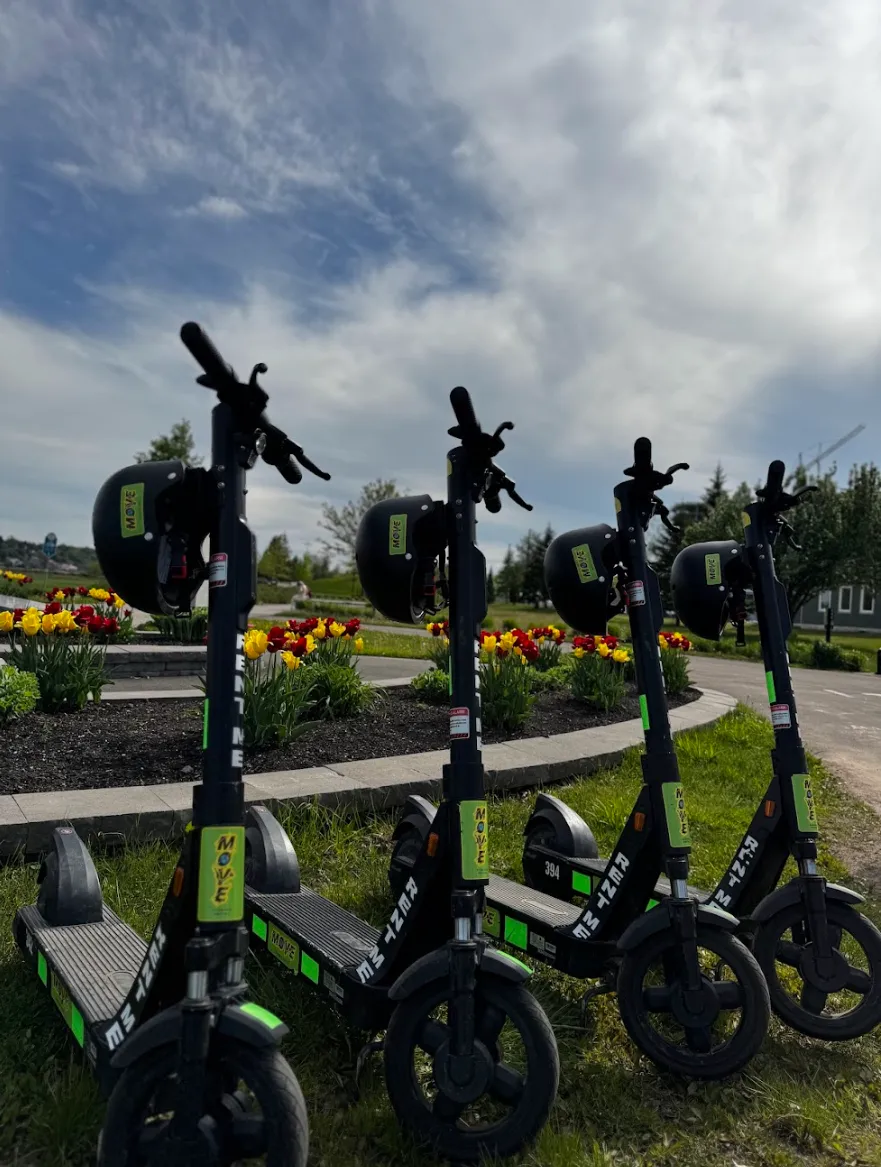
Park your MoVe upright, off the sidewalk, and clear of walkways. If you find a Bonus Zone, you’ll get 10% back on your ride cost when you end there. Then tap End Ride and take a clear photo.
Park and end your trip
Park your MoVe upright, off the sidewalk, and clear of walkways. If you find a Bonus Zone, you’ll get 10% back on your ride cost when you end there. Then tap End Ride and take a clear photo.

Links
Terms of Use
Privacy Policy
Cookie Policy
© 2026 . All rights reserved.